

Break glass & critical access points
When there’s a fire, the right people need to be on the case – not the cloud.
- Keep admin access, firewall/VPN, server and system accounts secure
- Centrally store recovery keys, API tokens, licence keys and key material
- Project and contract documents available offline
Control & responsibilities
Access rights remain internal — clearly regulated and traceable.
- Access only with master password (roles/responsibilities clearly defined)
- Lockout logic for incorrect attempts: locked after multiple incorrect entries
- Unlock only with PUK (kept separately)
Offline password manager & generator
Strong passwords — without ever being online.
- Offline password manager for accounts and logins
- Generator up to 64 characters (including separators possible)
- Multilingual use for teams (suitable for international use)
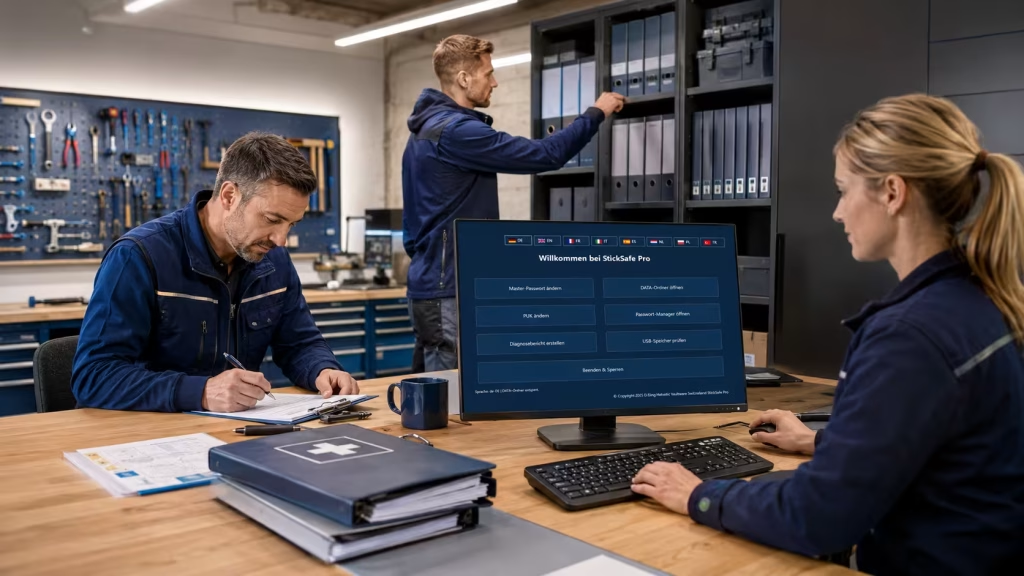
Your company data is as secure as in a Swiss bank vault.
StickSafe stores critical access data and confidential files offline and highly encrypted – without cloud dependency.
Access only with master password; regulated emergency access is possible via the PUK.
- Set master password (access protection).
- PUK definieren (Notfall-Entsperrung).Define PUK (emergency unlocking).
- Appoint the person(s) responsible for the PUK (e.g. management/IT lead).
- Store admin access details, recovery keys, licence/API keys in a structured manner in the “DATA” folder.
- Optional: Use a password manager and generator for accounts/logins.
- Everything remains local and cannot be read without authorisation.
- Define responsibilities: Who is allowed to intervene in an emergency?
- Document the process (e.g. “dual control principle”).
- In an emergency, access remains controlled – without cloud dependency.
If critical access points protect your company, they should be protected in the same way.
With StickSafe, you can store admin access details, recovery keys and confidential documents offline, encrypted and clearly organised – without the need for cloud storage or an internet connection.
Set it up now and securely protect your most important access points.
FAQ:
Do we need the internet or the cloud?
No. StickSafe works offline – data remains stored locally.
What happens if the USB medium is lost or stolen?
The contents cannot be accessed without the master password/PUK.
For which data is StickSafe particularly suitable in SMEs?
Admin access details, recovery keys, licence/API keys, contract documents, project/strategy papers.
How do we regulate emergency access (“break glass”)?
Via the PUK and a defined responsibility (e.g. management + IT, dual control principle).
Can we clearly map responsibilities within the team?
Yes: Access remains linked to the master password/PUK – responsibilities can be clearly defined in organisational terms.
Is StickSafe a replacement for a password manager?
For critical offline access: yes, very well suited. For “everyday use”, a team password manager can also be used.
How do we keep our data organised?
By using a clear folder structure (e.g. ‘DATA’: Admin, Recovery, Contracts, Key Material).
What about audits/compliance?
Offline storage + a clear process (responsibilities, emergency rules) helps to organise critical access in a traceable manner.